 English
 Español
 Deutsch
 日本語
日本語 Français
 Русский
 Italiano
 Nederlands
 한국어
한국어 Svenska
 Dansk
Dansk Norsk
Norsk Suomi
SuomiWhat is Geometry Dash?
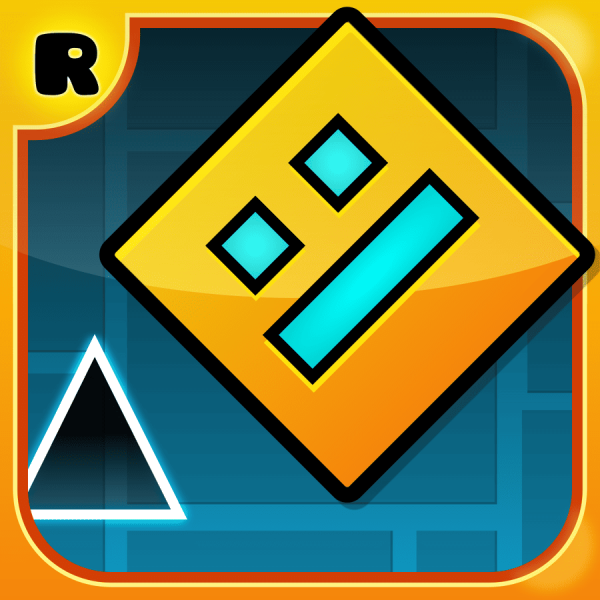
Geometry Dash is a fast-paced rhythm platformer where you control a small geometric icon that automatically moves forward through dangerous, obstacle-filled levels. The core idea is simple: jump, fly, and survive—but the execution is anything but easy.
What makes the game addictive is how tightly it connects movement with music. Spikes, jumps, and transitions are often placed exactly on beats, so players naturally start relying on rhythm rather than visual reaction alone. At first, it feels impossible, but after a few attempts you start recognizing patterns instead of reacting blindly.
Unlike most platform games, you never control speed—only timing. That small design choice is what makes Geometry Dash feel both frustrating and rewarding at the same time.
How to Play Geometry Dash Online?
Once you start a level, your character keeps moving forward automatically without stopping. Your job is to survive as long as possible by reacting to obstacles like spikes, gaps, and moving platforms.
At the beginning, it usually feels manageable. But after a few seconds, the game quickly introduces tighter timing sections where even a slight delay causes an instant restart. This is where most players get stuck—not because the controls are hard, but because the timing window is extremely strict.
Clicking or tapping makes your character jump. Some sections change gameplay completely using portals: you may turn into a flying ship, reverse gravity, or change movement style entirely. In flying mode, holding keeps you rising, while releasing makes you drop, which requires a much more controlled rhythm than normal jumping.
Most players improve not by “reacting faster,” but by memorizing patterns. After a few retries, you begin to recognize exactly when jumps are coming, and the level starts to feel like a sequence instead of random chaos.
What Are the Controls in Geometry Dash?
The controls are extremely simple, but that simplicity is exactly what makes the game challenging.
- Jump / Action: Mouse Click, Spacebar, or Tap
- Hold (Flying Mode): Rise upward continuously
- Release (Flying Mode): Drop downward
There are no extra mechanics, no combos, and no upgrades. Everything depends entirely on timing. A single mistimed click—too early or too late—will instantly reset your progress, which is why consistency matters more than speed.
Geometry Dash Tips & Strategy
If you are struggling, the biggest improvement usually comes from stopping “reaction play” and switching to rhythm-based timing. Many obstacles line up with the background music, so listening carefully often helps more than watching the screen alone.
Another useful approach is breaking difficult sections into mental checkpoints. Instead of trying to clear the whole level, focus on surviving the next 3–5 obstacles at a time. This makes repeated failures less frustrating and helps build muscle memory naturally.
In flying sections, avoid holding the input for too long. New players often crash because they panic and overcorrect. Short, controlled taps give you much more stability than continuous input.
Most importantly, don't change your timing too much after failures. Geometry Dash rewards consistency—even a “bad but consistent” rhythm will eventually get you further than constantly changing your approach.
Game Features
One of the most unique aspects of Geometry Dash is how closely gameplay is tied to music structure. Levels are not just designed around obstacles—they are built like rhythm patterns, where every jump and transition often matches a beat or sound cue.
The game also constantly changes mechanics through portals. A single level can shift between jumping, flying, gravity reversal, and different movement styles. These sudden changes keep players alert and prevent the gameplay from feeling repetitive.
Another important design choice is the instant restart system. Every failure immediately restarts the level without loading screens, which creates a fast “try again” loop. This is a big reason why players often repeat levels dozens or even hundreds of times without noticing the time passing.
Common Mistakes
One of the most common mistakes is reacting instead of predicting. Because obstacles come quickly, beginners often wait too long before jumping, which leads to repeated failures at the same spot.
Another frequent issue happens in flying sections—players tend to hold the input too long when panicking. This usually causes them to crash into ceilings or lose control of their height. Short, controlled taps are far more reliable.
Many players also make the mistake of rushing after multiple failures. In reality, Geometry Dash rewards rhythm consistency more than speed. Once your timing becomes stable, progress usually improves naturally.
Related Games
Category and Tags
Frequently Asked Questions
Who developed Geometry Dash?
Geometry Dash was developed by RobTop Games.
Are there different versions of Geometry Dash available?
Yes, besides the full version, there are several free versions available like Geometry Dash Lite, Geometry Dash Meltdown, Geometry Dash World, and Geometry Dash SubZero, each offering a selection of levels to play.
Can I create my own levels in Geometry Dash?
Absolutely! Geometry Dash features a comprehensive in-game level editor that allows players to design, build, and share their own custom levels with the community.
How many official levels are in Geometry Dash?
The full version of Geometry Dash includes over 20 official levels, each with unique music and challenges.
Is Geometry Dash available on mobile devices?
Yes, Geometry Dash is widely available on mobile platforms, including iOS and Android devices, as well as on PC.
Is there an online community for Geometry Dash?
Yes, Geometry Dash has a vast and active online community where players can share their created levels, compete on leaderboards, and customize their icons and colors.
You Might Also Like games
























Comment